
How to Contribute to Open Source Projects as a Beginner in 2026
How to Find Beginner-Friendly Projects
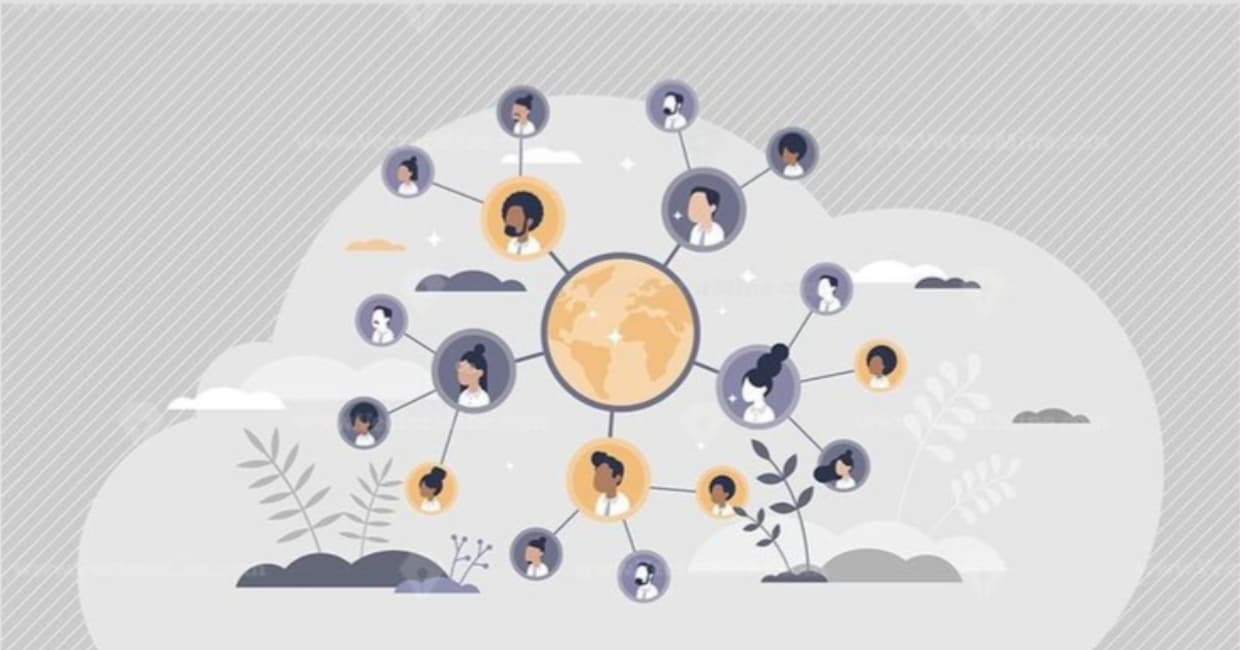
Open source contribution is one of the best ways to improve your development skills, build real-world experience, and connect with developers around the world.
But for many beginners, contributing to open source feels confusing at first.
You open GitHub
Thousands of repositories appear.
There are issues, pull requests, branches, commits, discussions, documentation files, and contribution guidelines everywhere.
And honestly
It can feel overwhelming.
Many beginners think they are “not skilled enough” to contribute to open source projects.
But the truth is completely different.
Open source is not only for expert developers.
Projects also need people who can improve documentation, fix small bugs, design UI components, test features, write tutorials, improve accessibility, and help communities grow.
In fact, most developers started with very small contributions.
The important thing is simply starting.
In this guide, we’ll break down how beginners can start contributing to open source projects in 2026 without getting overwhelmed.
What Is Open Source?
Open source software is software whose source code is publicly available for anyone to view, modify, and improve.
Developers from different countries collaborate together to improve projects and build better software.
Some of the biggest technologies today are open source
Linux
React
VS Code
Docker
Kubernetes
Blender
Git
Open source has become one of the biggest parts of modern technology.
Why Should You Contribute to Open Source?
Contributing to open source offers much more than just coding practice.
It helps developers gain practical experience by working on real-world projects instead of only building tutorial applications.
Benefits of contributing to open source
Real-world experience: You learn how production-level projects actually work.
Better GitHub profile: Contributions make your GitHub profile stronger and more active.
Networking opportunities: You connect with developers, maintainers, and open source communities.
Improve coding skills: You read real codebases and learn better practices.
Common Problems Beginners Face
Most beginners struggle because they try to do too much too early.
Some common issues include:
Choosing very large projects
Trying to solve advanced bugs immediately
Fear of making mistakes
Not understanding Git and GitHub
Confusion about project structure
The good news?
Every contributor was once a beginner too.
Step 1 Learn Git and GitHub Basics
Before contributing, you should understand basic Git and GitHub workflows.
You do not need to master everything immediately.
Just learn:
Cloning repositories
Creating branches
Committing changes
Pushing code
Creating pull requests
These basics are enough to start contributing.
Step 2 Find Beginner Friendly Projects
Choosing the right project matters a lot.
Do not start with extremely large or complicated repositories.
Instead, look for beginner-friendly projects with simple contribution guidelines.
Where to find beginner-friendly projects
GitHub Topics
Search for:
good-first-issue
beginner-friendly
help-wanted
first-timers-only
Open Source Platforms
Platforms like Ossium help beginners discover suitable projects more easily.
Developer Communities
Discord servers, Reddit communities, and tech forums often share beginner contribution opportunities.
Step 3 Start Small
One of the biggest mistakes beginners make is trying to contribute huge features immediately.
Start with small contributions first.
Good beginner contributions
Fixing typos
Improving documentation
Updating UI spacing
Fixing small bugs
Improving responsiveness
Adding comments to code
Small contributions still matter.
They help you understand project workflows without pressure.
Step 4 Read Contribution Guidelines Carefully
Most open source projects include a CONTRIBUTING.md file.
This file explains
How to set up the project
Coding standards
Branch naming rules
Pull request process
Community guidelines
Reading this carefully avoids many beginner mistakes.
Step 5 Understand the Project Before Coding
Before writing code, spend time understanding the project structure.
Read
README.md
Documentation
Existing issues
Previous pull requests
This helps you understand how the project works.
Good contributors first understand the project before making changes.
Step 6 Fork the Repository
To contribute
Fork the repository
Clone it to your system
Create a new branch
Make your changes
Commit the changes
Push your branch
Open a pull request
This is the standard open source workflow used by most projects.
Step 7 Write a Good Pull Request
A pull request is how you submit your contribution.
Keep your pull request clear and simple.
Good pull request tips
Explain what you changed
Mention related issues
Keep changes focused
Avoid unnecessary modifications
Good communication makes maintainers more likely to review your contribution quickly.
Step 8 Accept Feedback
Maintainers may request changes to your code.
This is normal
Code reviews are part of learning.
Do not feel discouraged if someone asks for improvements.
Even experienced developers receive feedback regularly.
Best Types of Open Source Projects for Beginners
Some projects are easier for beginners than others.
Great beginner project categories
Frontend projects
Good for learning UI, components, responsiveness, and design systems.
Documentation projects
Excellent for beginners who want to understand workflows first.
Developer tools
Useful for learning GitHub collaboration and project structures.
Open source communities
Communities focused on beginners usually provide guidance and mentorship.
Mistakes to Avoid
Avoid copying code blindly
Always understand the code you contribute.
Do not spam pull requests
Quality matters more than quantity.
Avoid huge contributions initially
Start small and grow gradually.
Do not fear rejection
Sometimes pull requests are rejected. That is part of learning.
Why Open Source Matters More Than Ever
In 2026, open source is shaping almost every area of technology.
AI tools, frameworks, operating systems, cloud platforms, and developer tools heavily depend on open source ecosystems.
Companies increasingly value developers who understand collaboration and real-world workflows.
That is why open source contribution has become more important than ever.
Your Open Source Journey Starts Here
Open source contribution may feel overwhelming at first, but every experienced developer once started as a beginner too.
The best way to learn is by participating, experimenting, and contributing consistently. Even small pull requests can help you improve your skills, understand real-world workflows, and become part of developer communities around the world.
The open source ecosystem keeps growing every day, creating endless opportunities for developers who are willing to learn and collaborate.
For more open source blogs, developer resources, and beginner-friendly guides
visit: blogs.ossium.live
Written by Sai Kiran